Hi everyone,
We rebuilt the Widget Studio for 2.1, and redesigned all the widgets while we were at it. Here's a quick overview.
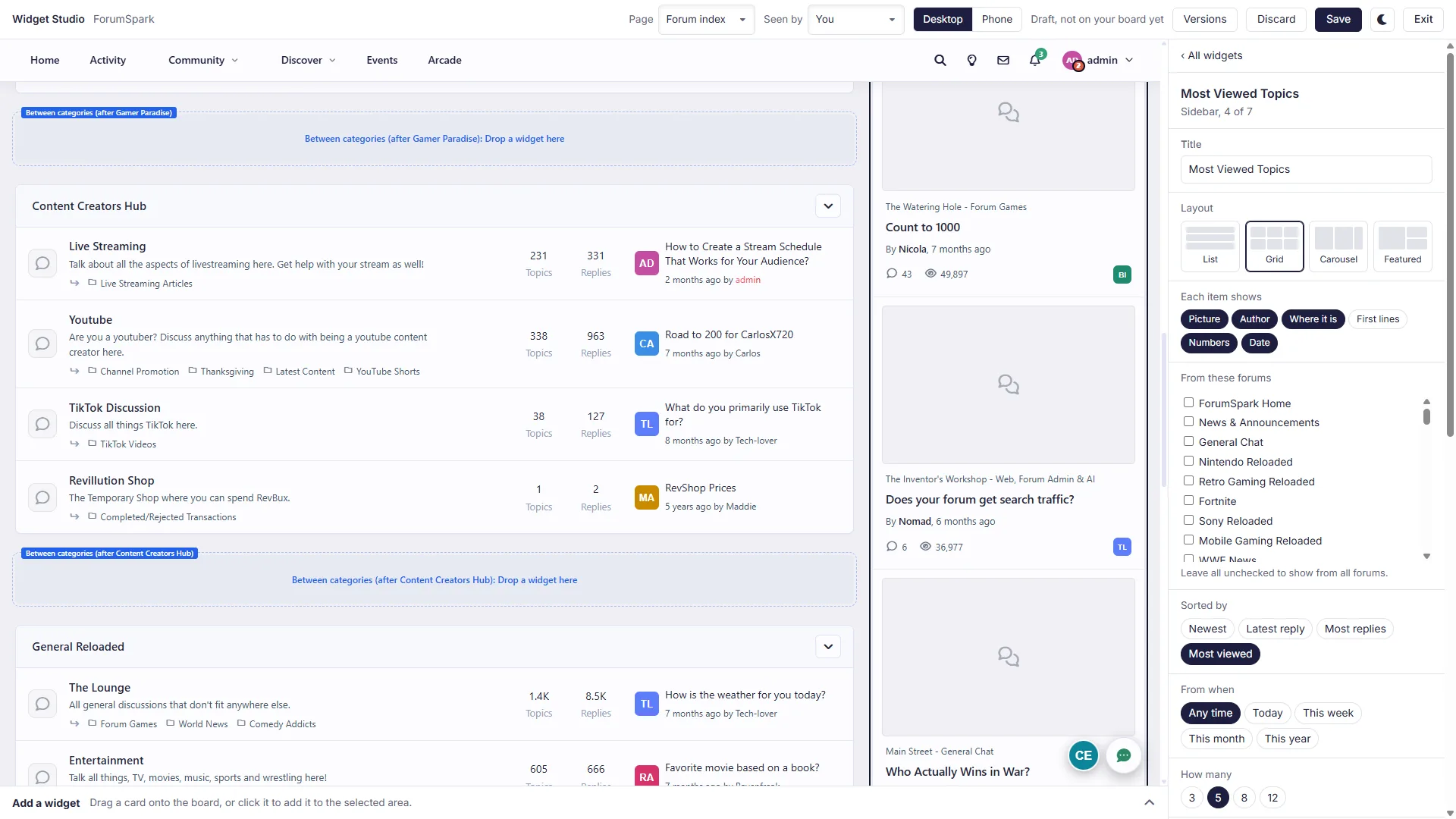
Working on your real board
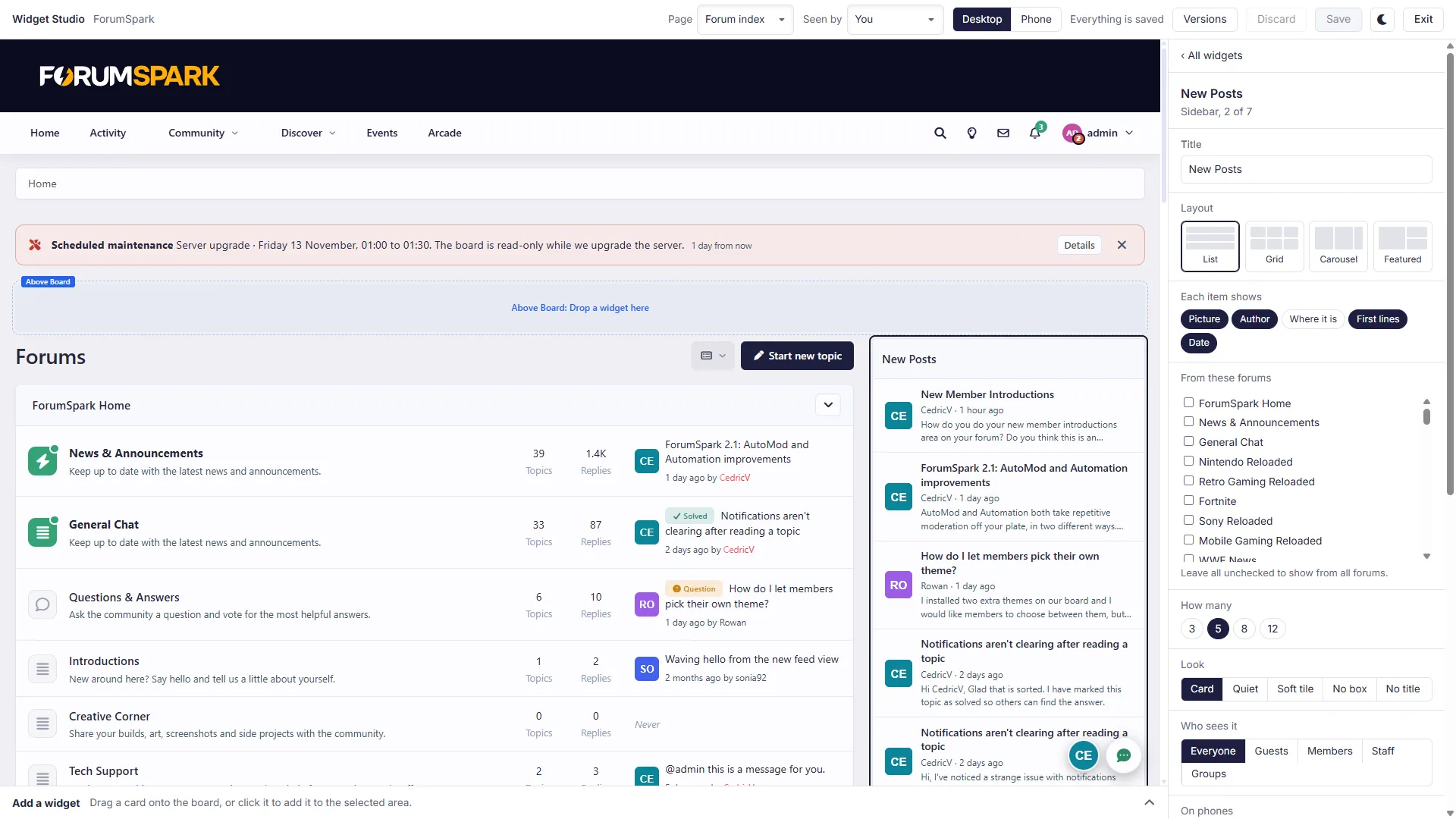
The studio shows your board, with the areas where widgets can go outlined. Add a widget at the bottom opens the list of all widgets, each with a small preview in your own theme.
Drag a widget onto the board to add it, and drag it again to move it.
Remove a widget with the X in its corner.
Besides the sidebar, widgets can go above and below the board, between your categories, in the footer and in the header banner.
Adding a widget
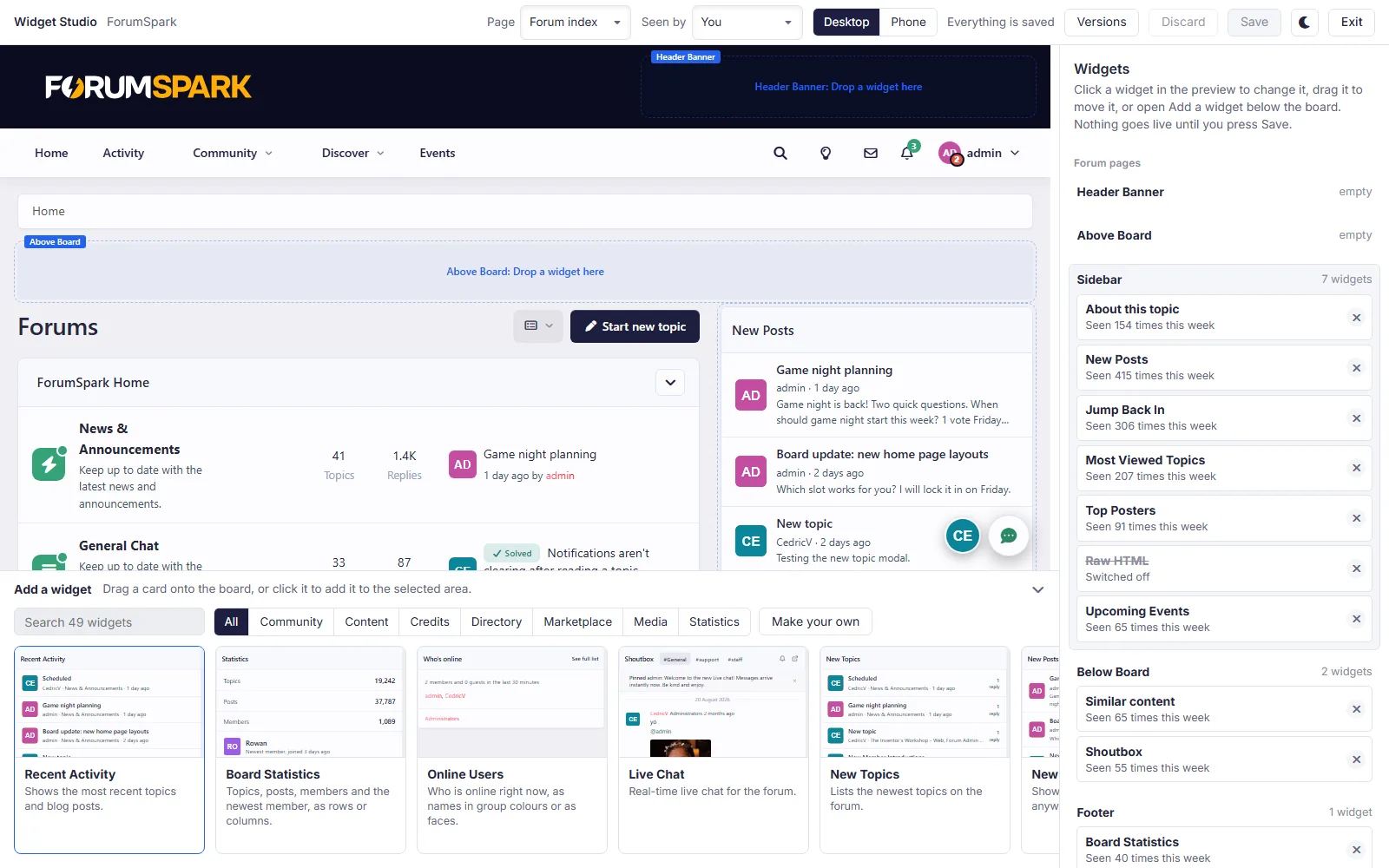
At the bottom of the studio there is a bar called Add a widget. Click it and it opens with all the widgets you can use.
Every widget is shown as a card with a small preview, so you see what it looks like on your board before you add it.
You can search by name, or use the tabs to only show a certain kind: Community, Content, Credits, Directory, Marketplace, Media or Statistics.
Drag a card onto the board, or click an area first and then click the card.
With Make your own you create a widget with your own content.
Drafts
Whatever you do in the studio is a draft. Your members don't see anything until you press Save. Discard throws your changes away, and under Versions you can bring back one of your last ten layouts.
Settings per widget
Click a widget and its settings open on the right:
Look: a card, without a box, or without a title.
Who sees it: everyone, guests, members, staff, or the groups you pick.
On phones: below the page, collapsed, hidden, or only on phones.
Show between: a start and end date. Handy for a poll or a countdown.
Pages: one widget can show on several kinds of pages.
With Seen by at the top you can check your board as a guest, a member or staff. With Page you can switch between the forum index, a forum, a topic, a profile and your other pages.
Layouts
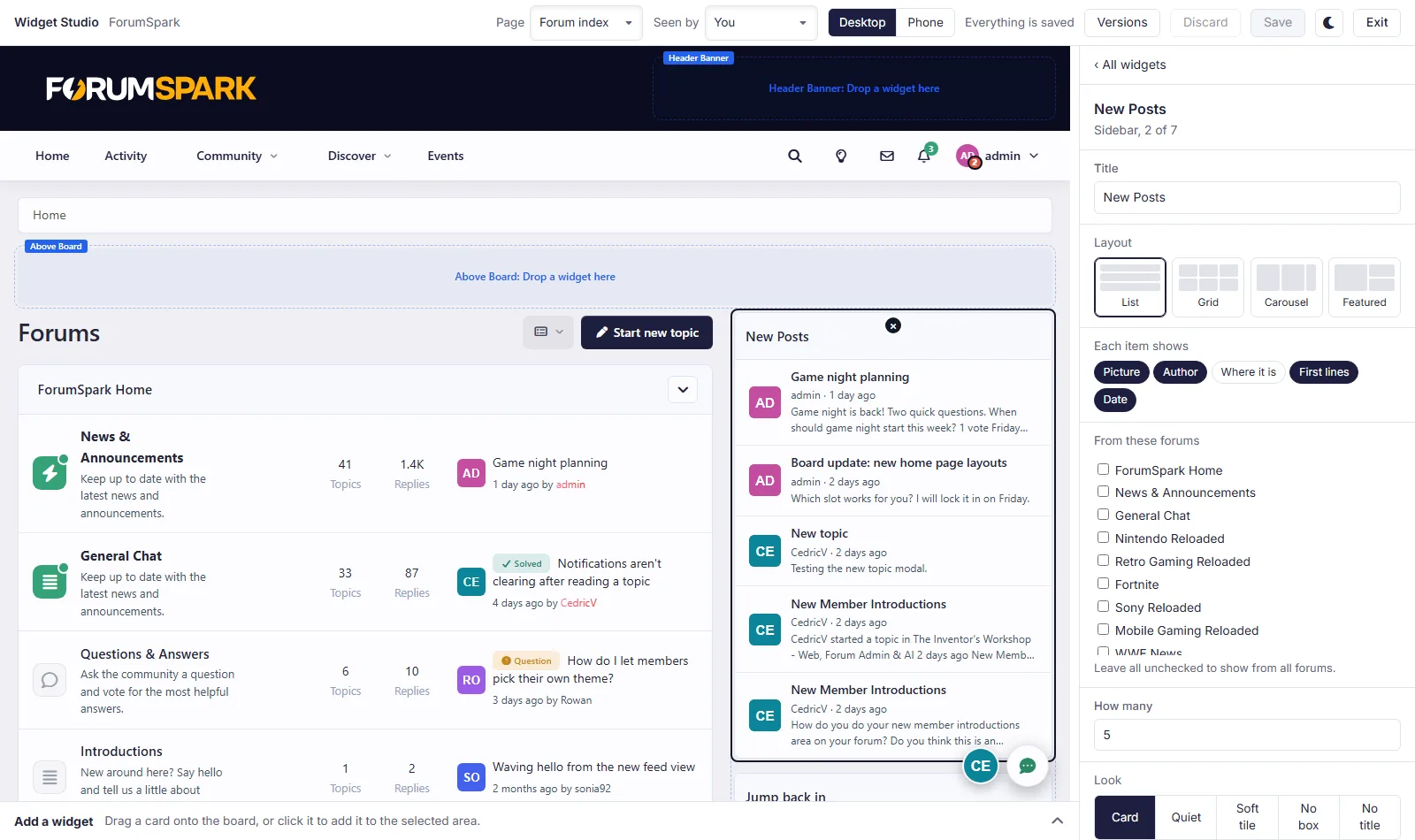
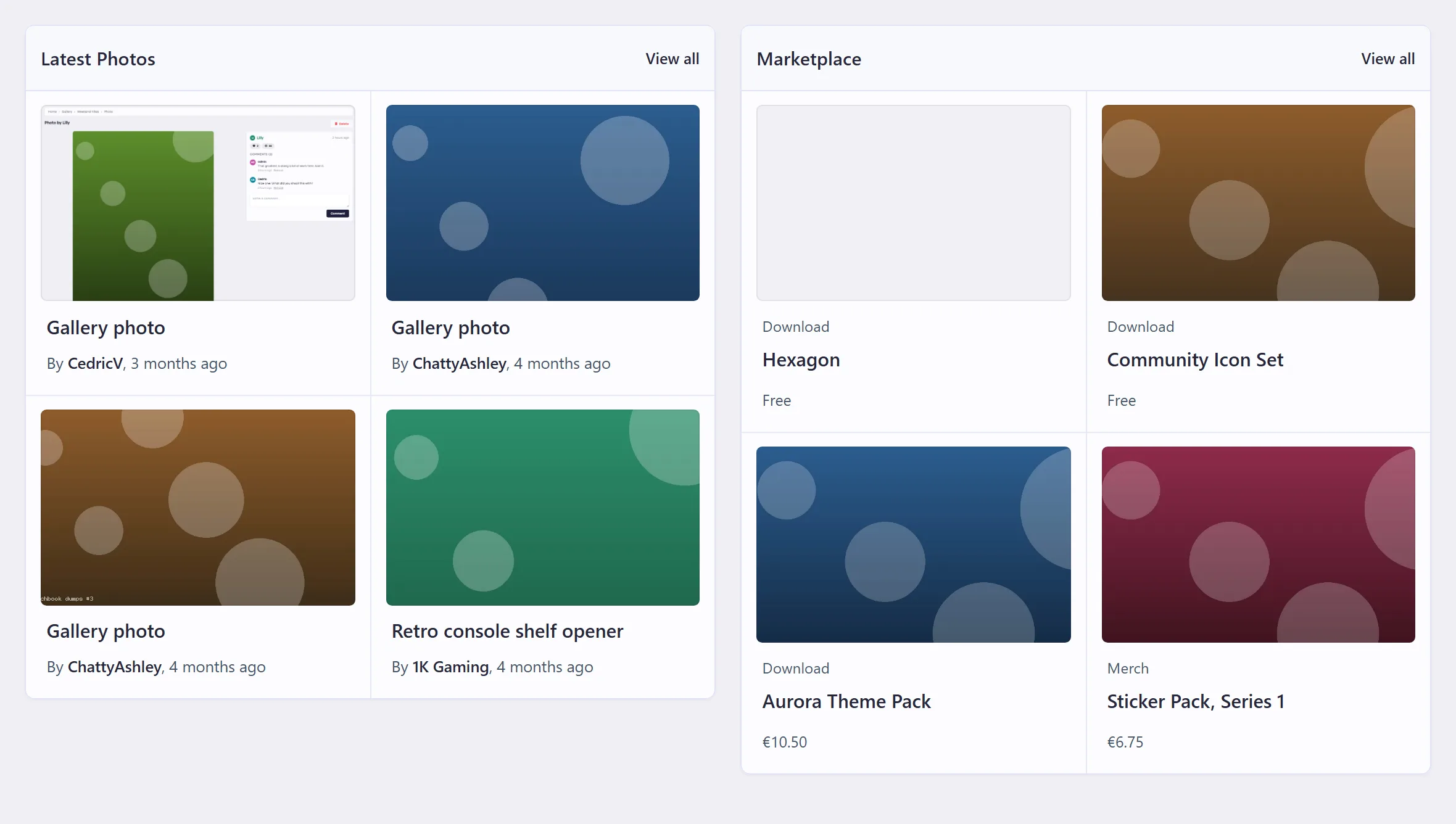
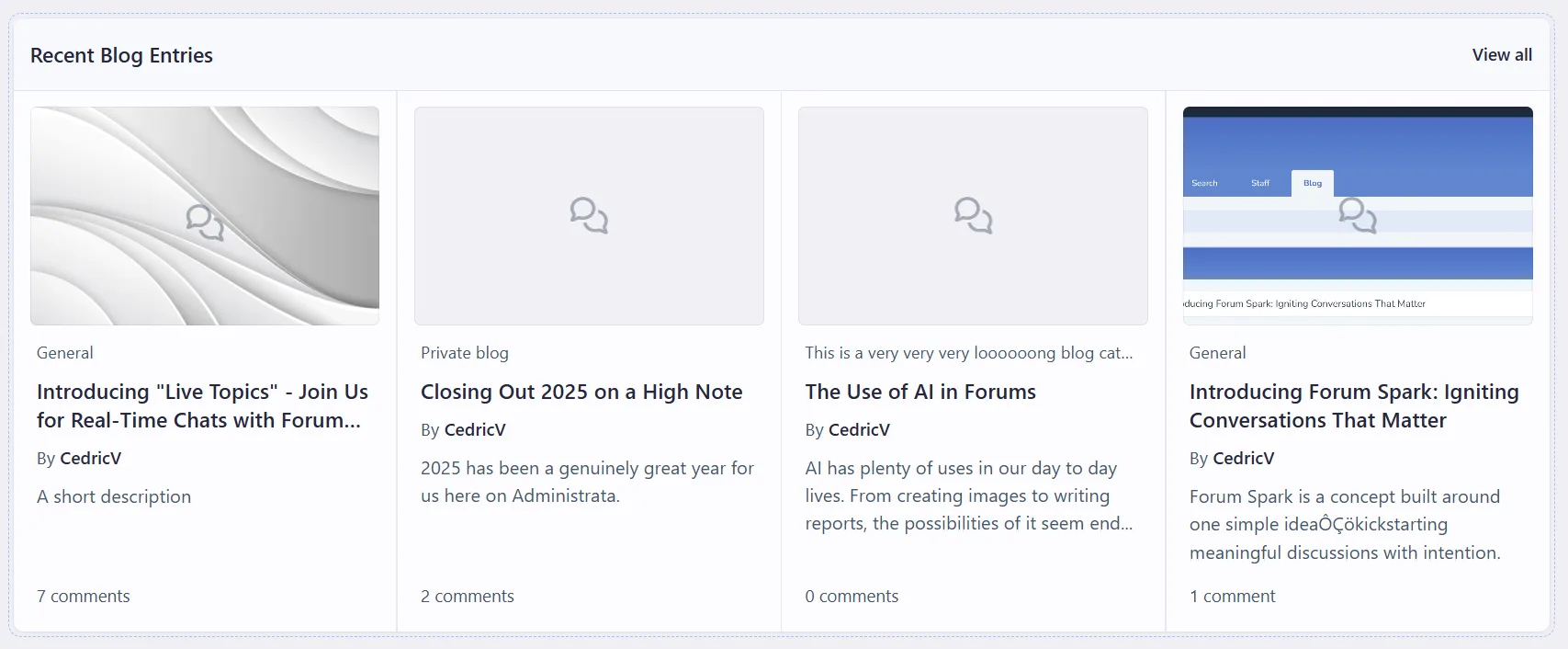
All widgets that show a list (topics, posts, blog entries, products, links, photos, members, events) now have the same settings:
Layout: List, Grid, Carousel or Featured.
Each item shows: turn the picture, author, forum, first lines and date on or off.
How many: any number you want.
Topic widgets can also be limited to certain forums, sorted differently, and limited to a period.
Redesigned widgets
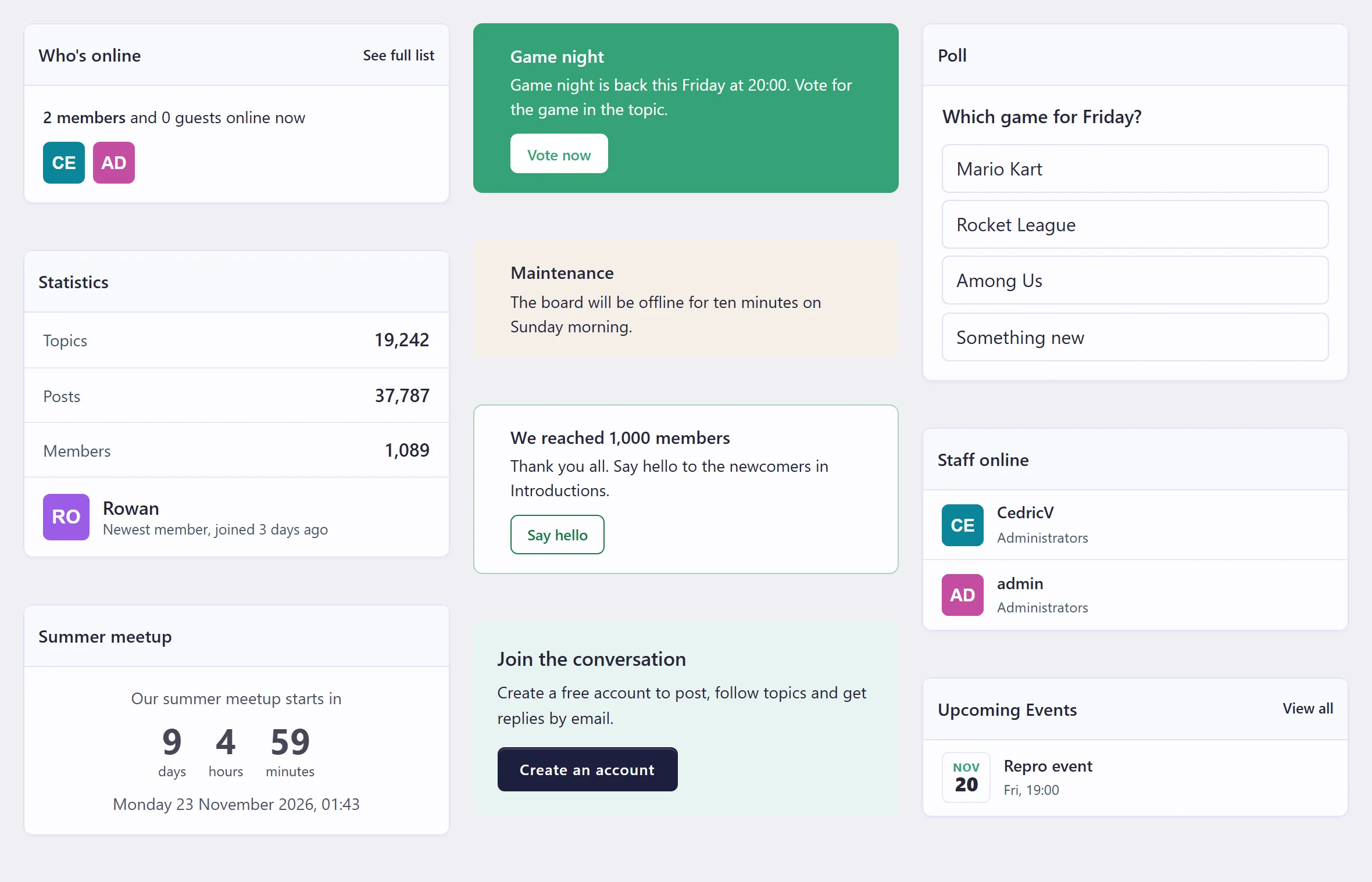
All 50 widgets were redesigned, so they look like they belong together. Some examples:
Who's online shows names in their group colour, or avatars.
Statistics also shows your newest member.
Similar topics is now a table with replies, views and the last reply, and its suggestions are a lot better.
Announcement comes in five colours and three styles, can have a button, and members can close it if you allow it.
Welcome is written in the full editor, with or without a picture. Guests get sign up and sign in buttons.
Live chat got a cleaner header and message box.
Statistics
Every widget now shows how many times it was seen and clicked this week, so you can tell which widgets are actually used.
More news soon!