Sleek Styles Theme

Jamie's Avatar
Jamie · in Themes & Extensions
17 replies 383 views

Name: Sleek Styles
Author: Jamie
Version: 1.0.1
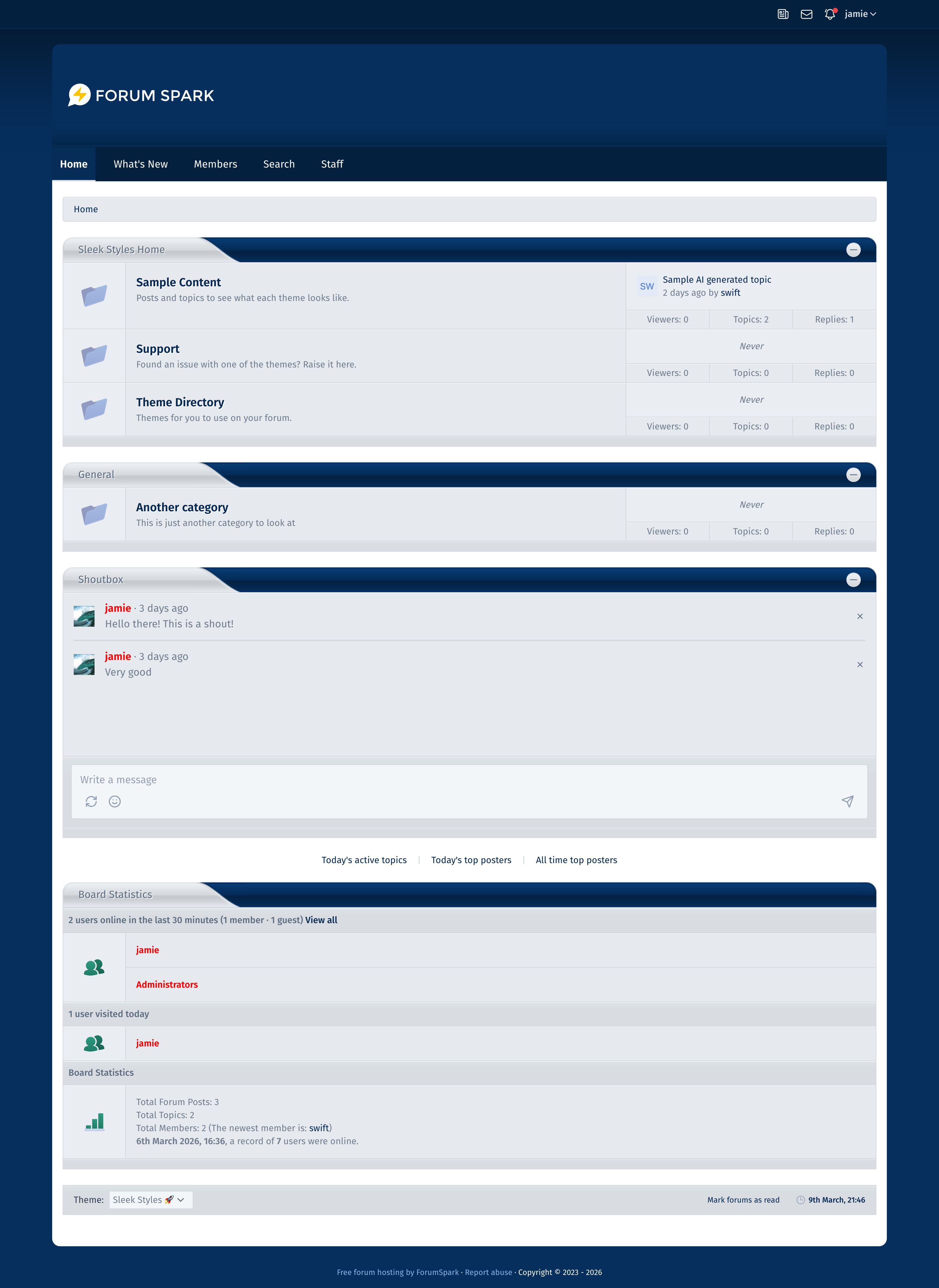
It's a bit silly really but I thought it'd be fun to convert my old Sleek Styles theme from back in the day.

Preview Theme

Download Theme JSON

Import the JSON as a new theme and update the settings so that it doesnt inherit from the default theme.

Last edited by Jamie

👍 1 😍 1

I think I found the theme I'm going to use if I start a Forum Spark message board. :star_struck:

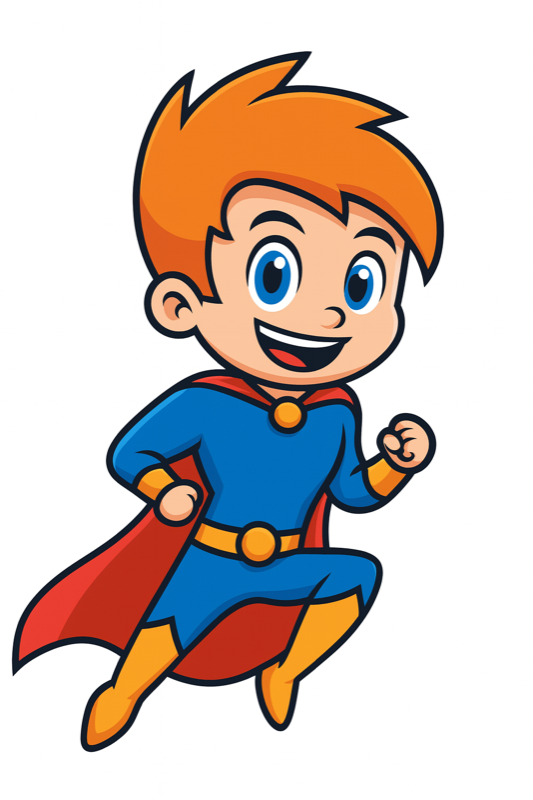
Oh my.. That is beautiful. It also brings back to many memories. Do you still have the Sleek Styles mascot?
Stunning work!

Cedric said:

Oh my.. That is beautiful. It also brings back to many memories. Do you still have the Sleek Styles mascot?
Stunning work!

From the way back machine...

I did ask AI to recolour it for me at one point, I still have the original pencil drawing somewhere.

Not sure I could draw anything these days its been that long!

😍 1

Exactly as I remember. Good times. Perhaps your Symphony theme could see a return too? 😉

Cory said:

I think I found the theme I'm going to use if I start a Forum Spark message board. :star_struck:

Please do! The more the merrier!

fCodes 😎

Hulk said:

Please do! The more the merrier!

fCodes 😎

That would be a pleasant idea, but unlike Jcink, Forum Spark allows extensions and themes to be posted on the official board, which makes creating a resource board for the network kind of moot.

Jamie said:
Cedric said:

Exactly as I remember. Good times. Perhaps your Symphony theme could see a return too? 😉

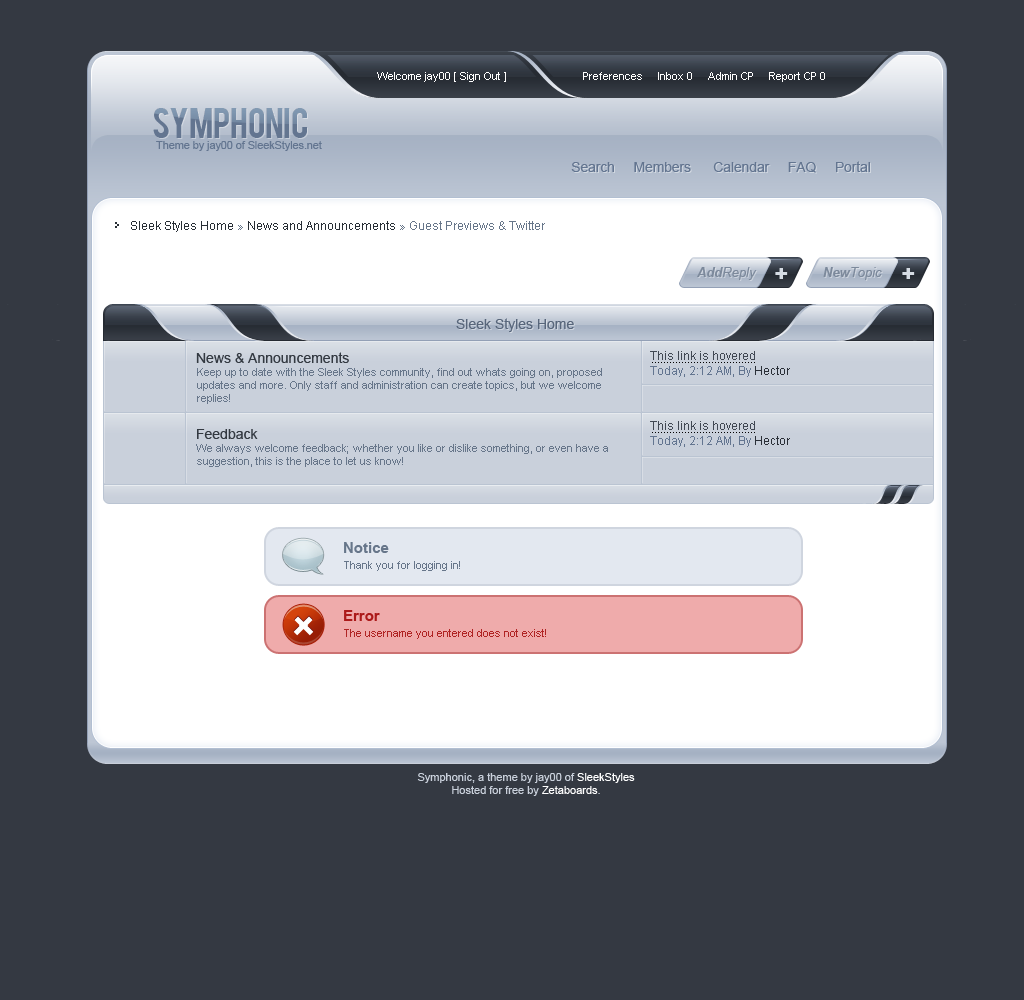
This one?

I actually have the original PSD for this haha. It'd be easier to do if I could find the original CSS too 😅

Yes 🙌
I may be able to find that somewhere.

Thanks, @Jamie! I'll keep an eye on this topic until then!

Hey @Cory I've updated the original post with the new theme JSON. It was a small fix in the end.

Not sure how you will go about updating, you can either import and create a new theme from the JSON or open it up and pull the CSS and update that manually for the theme you've already applied.

Thanks, @Jamie it appears to be fixed now!

I'm noticing a few other issues:

  • With the recent change, the "quick-reply__actions" bar doesn't go fully across the parent element.

  • The caret in the select menu sometimes sits on the text.

Theme: FS 2.0
Create Your Community with ForumSpark

ForumSpark is a modern community platform built on custom software. It combines the familiar feel of classic forums with a fast, simple experience designed for today’s communities.